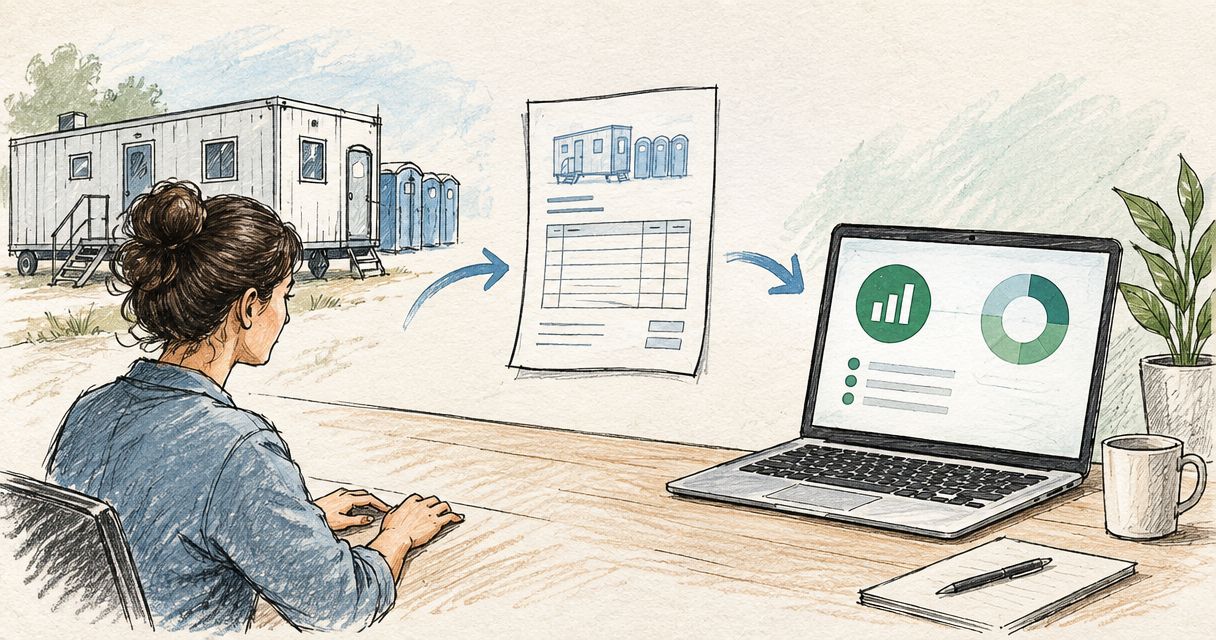
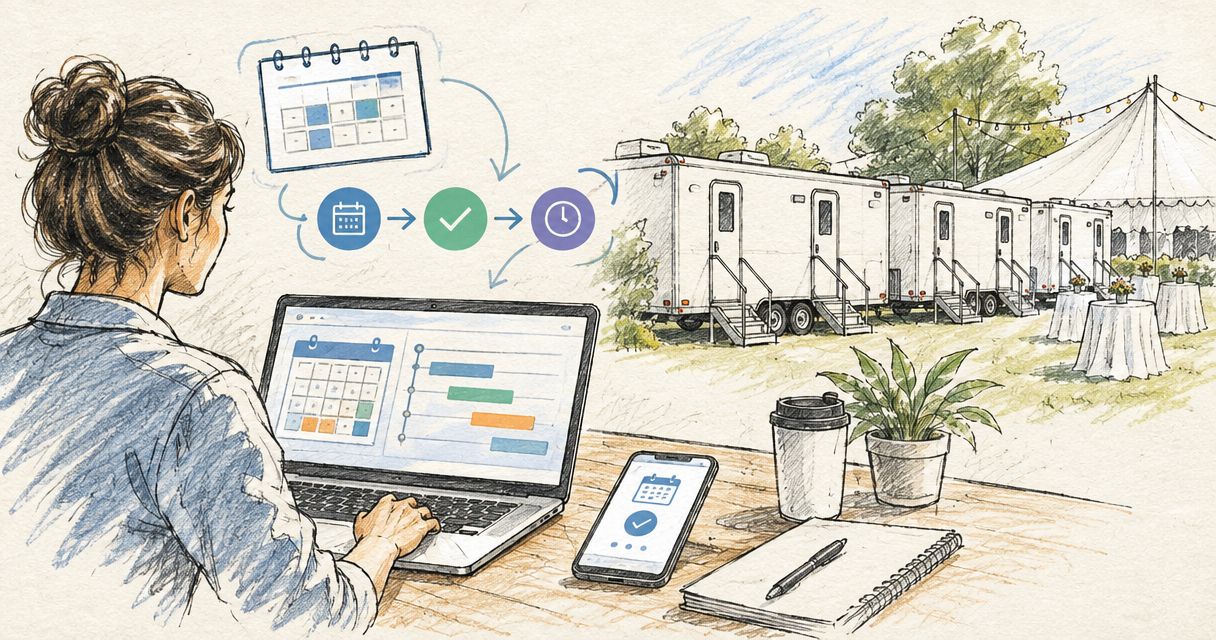
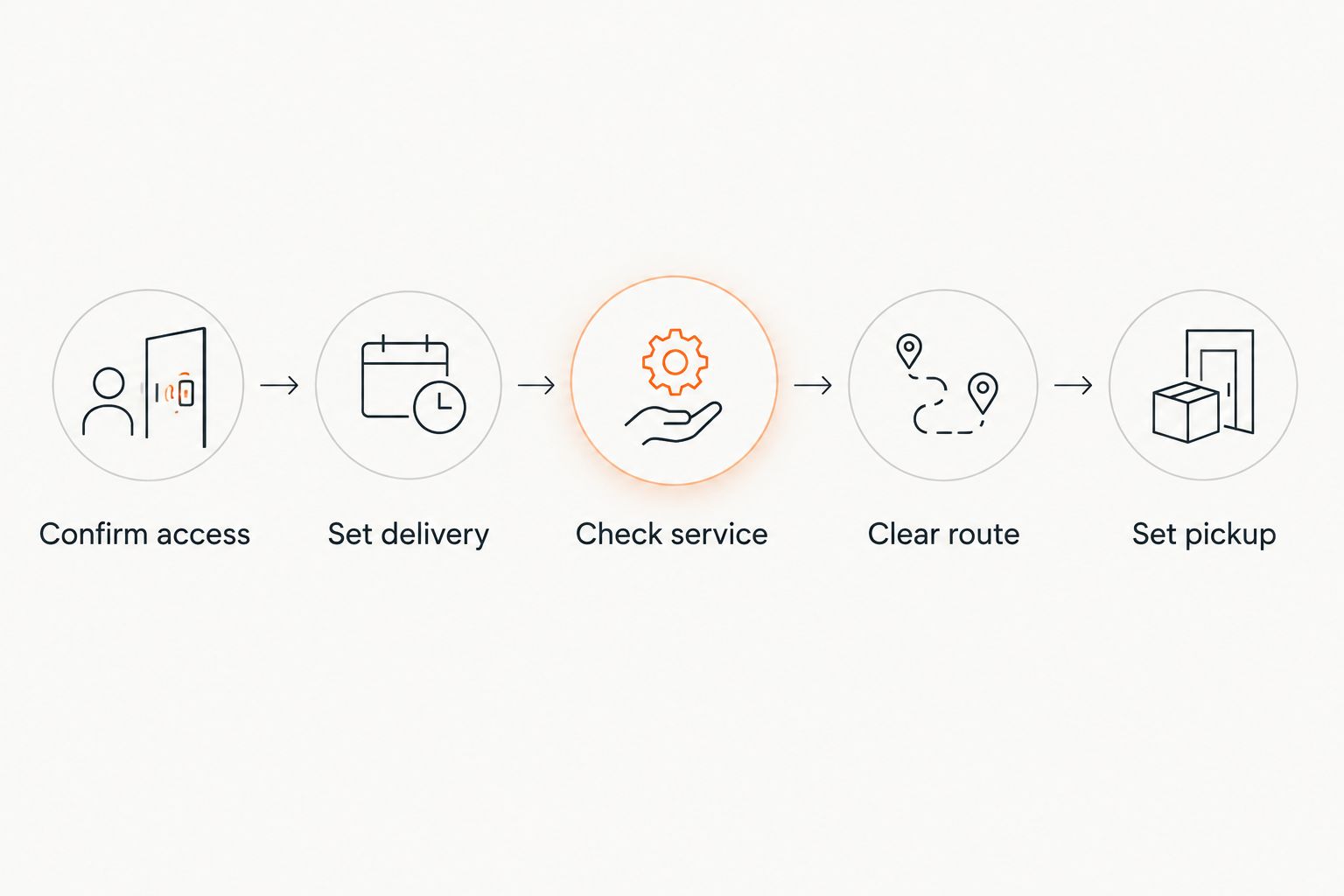
Instead of manually checking a booking email every time the 2026 run of show changes, set up three linked calendar events for restroom trailer delivery, service, and pickup so every handoff follows venue access. This restroom trailer booking event timeline integration keeps the trailer schedule tied to load-in and load-out.
- Restroom trailer booking event timeline integration ties delivery, service, and pickup to venue access.
- Create separate calendar events for delivery, service, and pickup instead of tracking one booking date.
- Set delivery before vendor load-in and pickup after the site access route is clear.
- Valley Services fits Bay Area event producers coordinating restrooms, fencing, and roll-off containers.
Why this matters
An event date is not an operating schedule. The trailer crew needs an arrival gate, placement point, site contact, access window, and confirmed time when the route will be clear.
Valley Services rents restroom trailers across San Jose, Santa Clara, Sunnyvale, Mountain View, Milpitas, and the surrounding Bay Area. Valley Services rents restroom trailers to Bay Area event producers who need delivery and pickup coordinated with venue access.
In 2026, the clean setup is an operational calendar integration, not a loose reminder. Delivery, any required service visit, and pickup each become separate events connected to the same event name and site details. Producers planning a corporate program can pair this workflow with a detailed corporate outdoor event restroom plan.
Before you start
Collect the information below before creating calendar events. Missing access details will stop the setup halfway through.
- Calendar access: You need permission to create events and invite the producer, venue contact, and person responsible for site access.
- Current 2026 run of show: Use the working load-in, guest arrival, event end, and load-out times. Do not rely on the public event time alone.
- Booking details: Record the event address, trailer placement point, delivery window, service window when applicable, pickup window, and booking contact.
- Site plan: Mark the arrival gate, tow vehicle route, trailer location, and any required water or power connection.
- Non-obvious gotcha: Confirm the calendar time zone before entering times. A schedule created in another time zone can shift every trailer event while still looking correct to the person who created it.
The venue contact must also confirm when gates lock and when other vendors occupy the service route. A technically open delivery window is useless when catering, staging, or security vehicles block the approach.
Set up the booking record
Use Google Calendar as the shared operating record. The labels below match the 2026 web interface.
- Select Create, then select Event.
- In Add title, enter the event name followed by Restroom Trailer Master Record. Use the same event name on every related calendar entry.
- Set the master record to cover the public event period. This record provides context. It does not replace the delivery, service, or pickup events.
- Select Add location and enter the event address exactly as the venue provides it.
- In Add description or attachments, add these field labels: Site Contact, Mobile Number, Arrival Gate, Placement Point, Water Connection, Power Connection, Delivery Window, Service Window, Pickup Window, and Schedule Owner.
- Select Add guests and invite the schedule owner, venue contact, and any producer who can approve access changes.
- Attach the current site plan and run of show through Add description or attachments.
- Select Save, then select Send so every guest receives the record.
Expected result: one master record contains the current site and contact information for the 2026 event. Anyone opening it can identify the access route, placement point, and person authorized to change the schedule.
Do not place instructions only in an email thread. The calendar description should contain the current operating details, while the attachment holds the full site plan.
Configure the delivery event
The delivery event controls the first physical handoff. Build it around site access, not guest arrival.
- Select Create, then Event.
- Enter the same event name followed by Restroom Trailer Delivery in Add title.
- Set the start and end times to the confirmed delivery window. Allow at least 2 hours between scheduled delivery and the first major vendor load-in when the site permits it.
- Select Add location and use the exact venue address from the master record.
- Copy the Arrival Gate, Placement Point, Site Contact, Water Connection, and Power Connection fields into Add description or attachments.
- Select Add notification and set one notice for 24 hours before delivery. Add a second notice for 2 hours before delivery for the schedule owner.
- Add the venue access contact through Add guests. Select Save, then Send.
- Call Valley Services at (408) 297-5404 if the access route, placement point, or hookup plan changes after booking.
Expected result: the schedule owner and venue contact receive a delivery reminder before the truck is dispatched, and the driver handoff has one current set of access instructions.
Configure service and pickup
Service and pickup are separate operational events. Combining them with delivery hides the timing from the people responsible for later access.
Add the service event
- Create a new Event with the event name followed by Restroom Trailer Service.
- Use the approved low-traffic window for the start and end times. Multi-day programs should place this event between active guest periods.
- Add the service gate, access contact, and any restrictions to Add description or attachments.
- Select Add guests and include the overnight or next-shift venue contact if that person controls access.
- Select Add notification and set the reminder for 24 hours before the service window.
- Select Save, then Send.
If the booking does not include a service visit, omit this event. Do not create a placeholder that the operations team could mistake for a confirmed visit.
Expected result: the service visit appears as its own handoff with a named access contact and a usable gate window.
Add the pickup event
- Create another Event with the event name followed by Restroom Trailer Pickup.
- Set pickup after the restroom trailer route is clear of staging, catering, and rental returns.
- Add the venue's load-out deadline to Add description or attachments. Keep it separate from the public event end time.
- Confirm that the pickup date is correct when load-out crosses midnight. A pickup after midnight belongs to the following calendar date.
- Select Add guests and include the person controlling the gate during breakdown.
- Set notifications for 24 hours and 2 hours before pickup through Add notification.
- Select Save, then Send.
Expected result: pickup occurs inside the venue's approved load-out window, after the tow route is clear and before site access closes.
Update every trailer event when the timeline changes
A 2026 event schedule rarely stays fixed from booking through load-out. Basic Google Calendar events do not maintain timing dependencies, so changing the main event does not automatically move delivery, service, and pickup.
- Open the master record and select Edit event.
- Replace the old run of show attachment with the current version. Add the revision date at the top of the description.
- Open the delivery event. Change its time only if load-in or site access moved.
- Open the service event when present. Confirm that the service window still falls outside active guest use.
- Open the pickup event. Move it when the event end, breakdown sequence, or gate deadline changes.
- Select Save after each edit, then select Send. Skipping Send leaves invited contacts without the revised calendar notice.
- Call (408) 297-5404 when a change affects dispatch, site access, trailer placement, or the confirmed service window.
Expected result: the master record and all operational events show the same revision. The venue contact, producer, and service provider work from matching times.
Match the workflow to the event format
Single-day and multi-day events use the same calendar structure, but the service event changes.
| Event format | Fits | Advantage | Constraint |
|---|---|---|---|
| Single-day calendar | Programs with one load-in and one load-out | Fewer handoffs to manage | Late schedule changes can compress delivery and pickup access |
| Multi-day calendar | Festivals, production runs, and programs spanning multiple dates | Service windows stay visible between active periods | Every day needs a confirmed gate contact |
For a single-day event, delivery and pickup are the fixed anchors. For a multi-day event, the service window becomes a third fixed anchor. Keep all three under one event name so calendar search returns the entire restroom trailer booking.
Troubleshooting the integration
The trailer times moved by 1 hour
Check Time zone on the master record and each operational event. Correct every entry to the venue's local time, select Save, then Send the revision. Do not adjust only the master record.
Guests did not receive the revised schedule
Open the event and confirm the contacts still appear under Add guests. Save the update and select Send when Google Calendar asks whether to notify guests. A saved change without a sent update can leave the venue working from an older notice.
Pickup appears before the event ends
Check the date first. Events that end after midnight often place pickup on the wrong calendar day. Then compare pickup against load-out completion, not the time guests leave.
The venue changed the trailer placement point
Update Add location only if the street address changed. Put the new on-site placement point, gate, and vehicle route in Add description or attachments, replace the site plan, and call Valley Services before dispatch.
The service event conflicts with active programming
Move the service event to a low-traffic window approved by the venue. Confirm that the access route will be open and that the listed contact will be present. Send the change to every calendar guest.
Customize the site-service workflow
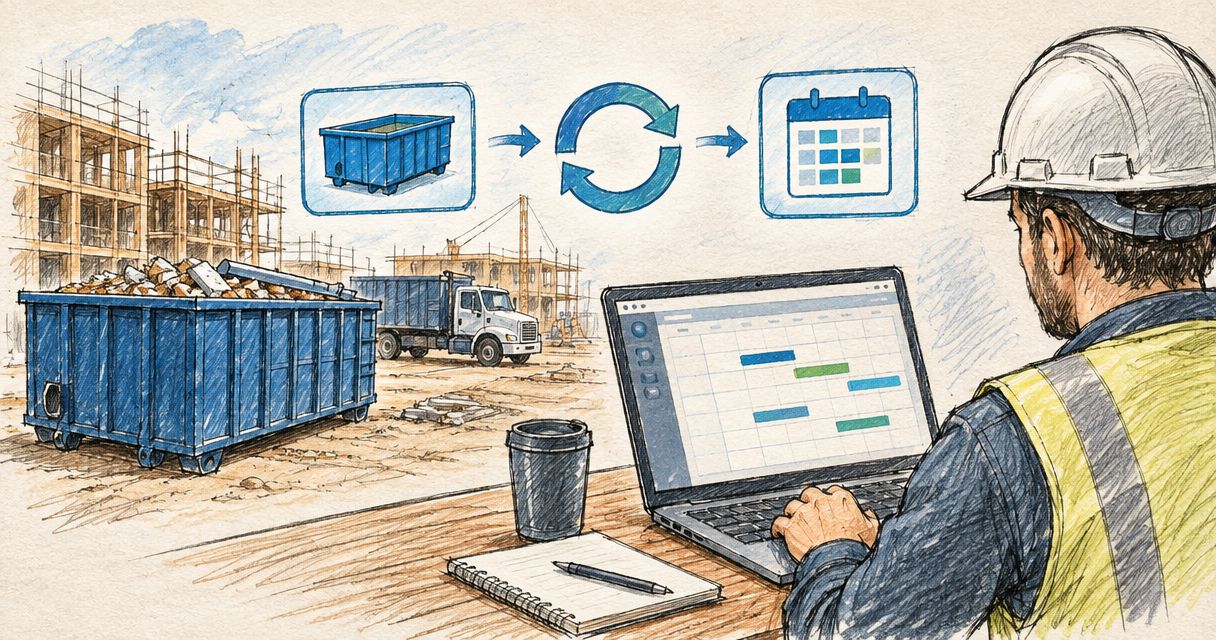
The same 2026 calendar can hold temporary fencing, K-rail, ground protection mats, and roll-off container milestones. Give each service its own delivery and pickup event. Keep the event name, address, gate, and schedule owner consistent across every record.
Valley Services coordinates restroom trailers, portable restrooms, temporary fencing, K-rail, and roll-off containers for the same Bay Area site. One operating calendar gives the producer a clear view of load-in and load-out conflicts, but it does not replace direct confirmation when dispatch details change.
For outdoor sites, add a weather review event 24 hours before delivery. Use it to verify ground access and the tow route. If conditions force a placement change, update the site plan and notify the provider before the truck arrives.
FAQ
How do I connect a restroom trailer booking to an event timeline?
Create separate calendar events for delivery, service, and pickup, then tie each one to the venue's load-in and load-out windows. Use the same event name, site address, access contact, and placement details on every record.
When should restroom trailer delivery happen before an event?
Schedule delivery before major vendor load-in, with at least 2 hours of separation when the site permits it. The confirmed venue access window controls the final time.
Will Google Calendar move pickup automatically if the event time changes?
No. Basic Google Calendar events do not maintain dependencies between the main event, delivery, service, and pickup. Edit each affected event and send the revision to guests.
What details belong in a restroom trailer delivery event?
Include the event address, arrival gate, placement point, site contact, delivery window, and applicable water or power connection details. Attach the current site plan when available.
How should I schedule a restroom trailer for a multi-day event?
Use separate delivery, service, and pickup events. Place the service event in a low-traffic period and assign the contact who controls venue access during that window.
What happens when load-out crosses midnight?
Set pickup on the following calendar date and verify the venue's gate deadline. The public event end time does not determine when the tow route becomes clear.
Where does Valley Services rent restroom trailers?
Valley Services serves San Jose, Santa Clara, Sunnyvale, Mountain View, Milpitas, and the surrounding Bay Area. Call (408) 297-5404 to discuss a specific event site.
One last thing
For every 2026 restroom trailer booking, assign one schedule owner with authority to approve timing and access changes. A shared calendar does not help when nobody owns the final decision.
Confirm pickup as carefully as delivery. Breakdown crews still need restrooms, while staging equipment and vendor vehicles can block the tow route. The correct pickup window starts after the route clears and ends before the venue closes access.
Related guides
- Restroom trailer rental for corporate events
- Ground protection mats for outdoor events
- Temporary fencing for outdoor events
Call Valley Services at (408) 297-5404 to talk through delivery, service, and pickup for your event.
Plan your restroom trailer schedule
Confirm site access, delivery, service, and pickup before the event timeline locks.