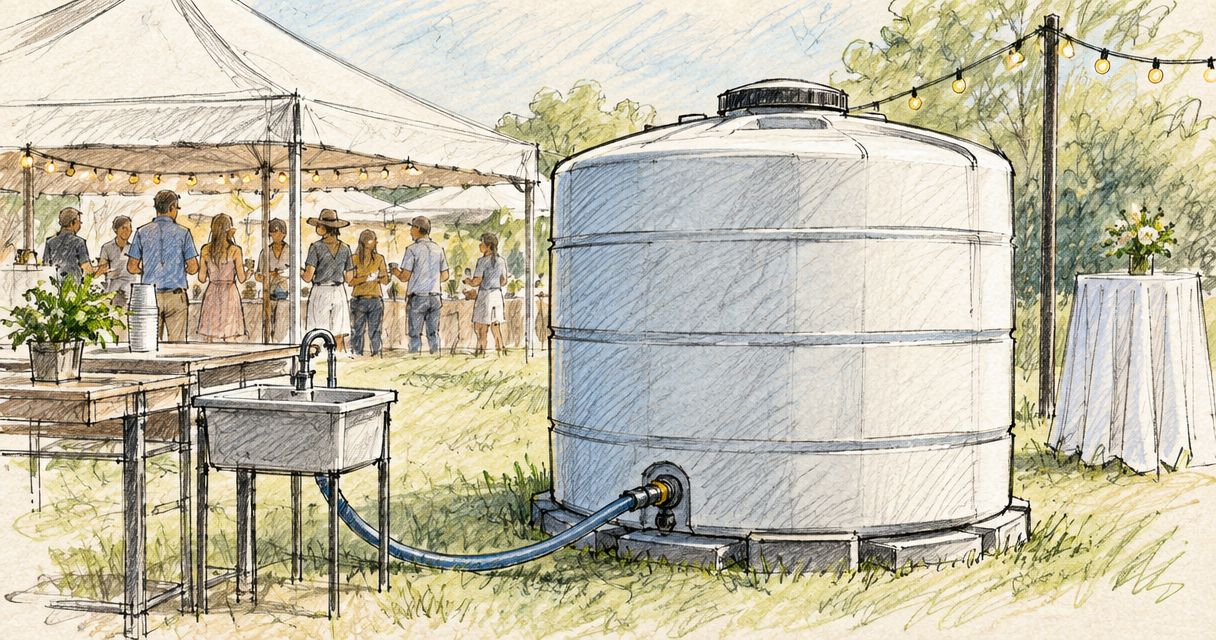
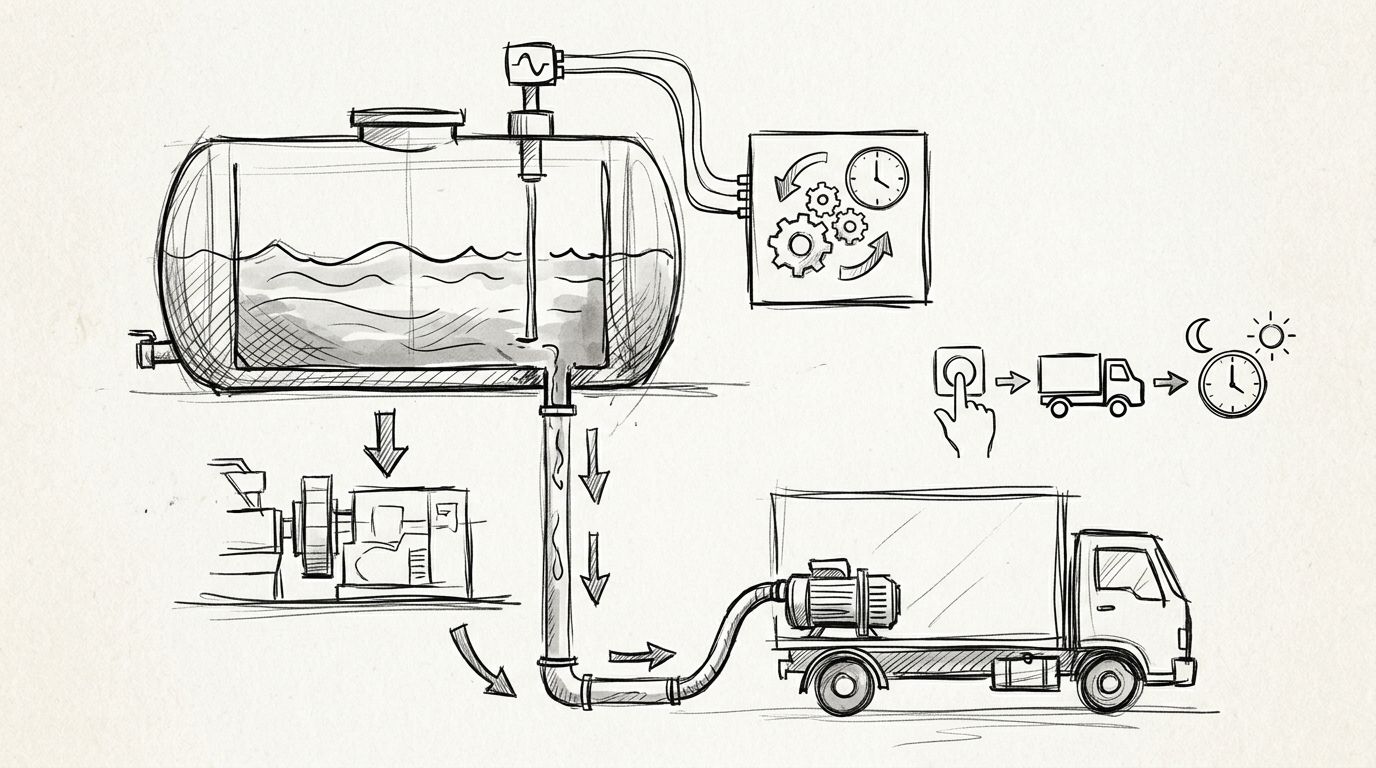
When unused holding tank capacity runs low, automatic holding tank pump out scheduling should create a service request, propose a service window, and wait for dispatch confirmation. Start by matching the tank to site demand with this holding tank size guide, then connect each level reading to warning, request, confirmation, and reset states for 2026.
- Automatic holding tank pump out scheduling must track unused capacity falling or liquid level rising.
- A service request is not a confirmed appointment. Require dispatch confirmation before marking the tank scheduled.
- Valley Services holding tank service fits Bay Area teams coordinating restrooms with broader site logistics.
- In 2026, stable sites can use recurring service. Changing sites still need level-based checks.
Why this matters
A wastewater holding tank fills upward. What runs low is the unused capacity. That distinction controls whether your automation uses greater than or equal to or less than or equal to as its trigger.
Set the direction wrong and the workflow can stay silent while the tank fills. It can also send repeated requests immediately after a pump-out. The correct setup identifies what the reading represents, checks whether the data is current, creates one request, waits for confirmation, and resets only after service is complete.
Valley Services fits Bay Area contractors, property managers, and event teams that need holding tank service coordinated with restrooms and job-site logistics. The company has operated from the same San Jose yard since 1986. In 2026, that represents 40 years of site service operations.
The automation does not replace dispatch. Full automatic booking requires a direct connection to the service provider's confirmed scheduling system. Without that connection, automate the monitoring and request while keeping confirmation as a controlled handoff.
Before you start
For a 2026 setup, gather the access and operating details before building the workflow:
- Tank information: rated capacity, tank identifier, site address, access instructions, and the reading method used on that tank.
- Monitoring access: credentials for the level sensor platform or access to the shared form used for manual gauge entries.
- Workflow access: permission to create triggers, conditions, notifications, and calendar actions in your automation system.
- Dispatch route: the approved phone number, email address, form, or integration used to request service and receive confirmation.
- Named owner: one site lead responsible for checking exceptions and updating the workflow when crew size, restroom count, or operating hours change.
The non-obvious gotcha is reading direction. A sensor showing liquid level rises as the tank fills. A system showing remaining capacity falls as the tank fills. Confirm the reading type before choosing the comparison operator.
Also confirm whether the source reports a percentage, volume, depth, or simple status. Never compare values with different units. A percentage threshold cannot be applied directly to a depth reading without an approved conversion for that tank.
Choose the trigger source
Automatic scheduling can start from a sensor, a manual gauge form, or a recurring calendar rule. Each option has a different control point.
| Trigger source | How it starts | Use when | Limitation |
|---|---|---|---|
| Level sensor | A new reading enters the workflow | Tank telemetry is already installed and connected | Requires current data, correct units, and reliable connectivity |
| Manual gauge form | A site lead submits a reading | The tank has no connected sensor | Depends on someone completing the inspection |
| Recurring schedule | A calendar interval creates the request | Usage stays stable across normal shifts | Can drift when staffing or site activity changes |
A level sensor provides the most direct signal, but it still needs exception handling. A manual form is less automatic, but it works with existing tanks and creates a dated record. A recurring schedule is simple, but it needs a level check whenever site demand changes.
Create the tank record
Use a shared sheet, database, or site-management system as the source of truth. Create the field labels below exactly as written so the trigger, request, and confirmation steps use the same names.
- Create Tank ID and assign a unique identifier to every tank. Do not group several tanks under one generic site name.
- Add Site Address, Rated Capacity, Reading Value, Reading Unit, and Reading Time.
- Add Reading Type with two allowed values: Liquid Level and Remaining Capacity.
- Add Warning Threshold, Critical Threshold, Service Status, Last Pump-Out, and Next Service.
- Limit Service Status to controlled values such as Ready, Requested, Confirmed, Completed, and Exception.
- Enter one verified reading and confirm that the value, unit, time, and tank identifier appear together.
The expected result is one complete record per tank. Anyone reviewing the record should be able to identify the tank, understand the reading direction, see when the reading arrived, and determine whether service has been requested or confirmed.
If the rental itself is still being planned, use the construction holding tank rental guide before creating the record. Tank selection, placement, access, and expected use need to be settled before the automation can represent the site accurately.
Configure the level trigger
Interface labels vary by workflow platform. The field names below are the labels you created in the tank record, not claims about a specific software interface.
- Create a new workflow that starts whenever Reading Value or Reading Time changes.
- Add a condition requiring Reading Time to be newer than the reading already processed. This blocks delayed data from reopening a completed request.
- If Reading Type equals Liquid Level, trigger the warning when Reading Value reaches the configured Warning Threshold.
- If Reading Type equals Remaining Capacity, reverse the condition so the warning starts when Reading Value falls to the configured Warning Threshold.
- Require Service Status to equal Ready before the workflow creates a request. This is the duplicate-request lock.
- Change Service Status to Requested immediately after the request action runs.
- Test both reading directions with sample values above and below the configured threshold.
Do not copy a threshold from another site without checking tank capacity, actual use, access windows, and the reserve needed until service can occur. The workflow structure is reusable. The threshold is site-specific.
The expected result is one request when the warning condition becomes true. Additional readings should update the record without creating another request while Service Status remains Requested or Confirmed.
Configure the service request
The request needs enough operating detail for dispatch to act without another round of basic questions.
- Add a notification action that sends Tank ID, Site Address, Rated Capacity, Reading Value, Reading Unit, Reading Time, and the requested service window.
- Include access restrictions, gate instructions, and the on-site contact already approved for the job.
- Send the request to the established dispatch route. For Valley Services holding tank planning in San Jose, Santa Clara, Sunnyvale, Mountain View, Milpitas, and surrounding Bay Area locations, call (408) 297-5404 to confirm the correct scheduling path.
- Create an internal calendar hold labeled Pump-Out Requested. Do not label it confirmed yet.
- Add a confirmation step that changes Service Status from Requested to Confirmed only after dispatch returns an approved date or service window.
- Update the calendar hold with the confirmed information and notify the site lead.
The expected result is a visible distinction between requested and confirmed service. The site team can see whether action is still required instead of assuming an outbound message placed the tank on a route.
An automated request is not a confirmed pump-out.
“An automated request is not a confirmed pump-out.”
Reset the workflow after service
- Confirm that the service visit is complete before changing the record.
- Enter the completion time in Last Pump-Out.
- Record a new verified level reading.
- Change Service Status to Completed, then return it to Ready after the new reading is accepted.
- Review Next Service and update it if the site also uses a recurring interval.
The expected result is a clean cycle. The tank returns to monitoring status, old readings stay in the history, and the next valid threshold crossing can create one new request.
Schedule recurring service without a sensor
A recurring variant works when tank use remains stable and the site does not have connected level monitoring. It is schedule-based rather than fully level-based, so keep a manual inspection as the exception check.
- Review completed service records and identify the interval that kept sufficient unused capacity under the site's normal operating pattern.
- Create a recurring calendar action that opens a service request before the next planned visit.
- Set Service Status to Requested when the recurring action runs.
- Require dispatch confirmation before changing the status to Confirmed.
- Keep the manual gauge form active. A reading that reaches the warning condition should escalate the request rather than create a duplicate.
- Recalculate the interval whenever crew size, restroom count, event attendance, shift length, or site operating days change.
For 2026 event sites, use fixed checkpoints around load-in, public operation, and load-out instead of assuming that a construction schedule fits. The same tank can fill at a different rate when the operating pattern changes.
The expected result is a standing schedule with a level-based safety check. The calendar handles normal service. The gauge record catches changes before the standing interval falls behind actual demand.
Troubleshooting
The workflow triggers immediately after service
The comparison operator or reading direction is wrong. Confirm whether the source reports liquid level or remaining capacity, then check whether the condition should trigger as the value rises or falls. Also verify that the post-service reading replaced the previous value.
Dispatch receives repeated requests
The workflow lacks a status lock. Require Service Status to equal Ready before a request can run, then change the status to Requested in the same workflow. Do not return it to Ready until service is completed and a new reading is recorded.
A request appears confirmed when nobody approved it
The calendar action is being treated as the booking action. Rename the first calendar entry Pump-Out Requested and create a separate confirmation step. Only dispatch approval should move Service Status to Confirmed.
The sensor value has stopped changing
Treat an old reading as an exception, not proof that the tank level is stable. Compare Reading Time with the current monitoring cycle, notify the site lead, and require a manual inspection until data resumes. A stale value should never suppress site checks.
The standing interval worked last month but fails now
Site demand changed. Review crew count, restroom configuration, shift pattern, event attendance, and operating days. Update the interval from current use rather than extending the warning threshold closer to full capacity.
Two tanks create one combined request
The records share a tank identifier or the workflow groups by site address alone. Assign a unique Tank ID to each unit and include it in every trigger, request, confirmation, and completion action. One site can have several independent service states.
Customize your workflow
Once the core workflow works, add controls that improve site visibility without creating alert noise:
- Send the first warning to the site lead and dispatch route.
- Escalate an unconfirmed request to a named backup contact.
- Add access notes for locked gates, restricted delivery periods, and active work zones.
- Group tanks by site while keeping separate Tank ID and Service Status values.
- Add a dashboard showing current reading, reading time, request status, and confirmed service window.
- Keep a manual inspection path for sensor outages or damaged equipment.
Valley Services can coordinate site service planning across roll-off containers, restrooms, temporary fencing, K-rail, and holding tank needs through one call. The useful connection is operational. Each service keeps its own schedule, access requirements, and completion record.
FAQ
How does automatic holding tank pump out scheduling work?
Automatic holding tank pump out scheduling converts a level reading into a service request when a configured threshold is reached. The workflow should track the request, wait for dispatch confirmation, and reset after completed service.
Can I automate pump-out scheduling without a level sensor?
Yes, use a recurring schedule with a manual gauge form as the exception check. This approach works when site use is stable, but the interval must be reviewed whenever operating conditions change.
Should the trigger track liquid level or remaining capacity?
The trigger can track either measurement, but the comparison direction changes. Liquid level rises as the tank fills, while remaining capacity falls.
Does an automatic service request confirm the pump-out appointment?
No, a request is not a confirmed appointment unless the workflow receives approval from the service provider's scheduling system or dispatch team. Keep requested and confirmed states separate.
How do I prevent duplicate pump-out requests?
Require the tank's service status to be Ready before the workflow can send a request. Change the status to Requested immediately, then reset it only after service is completed and recorded.
What information should a pump-out request include?
Include the tank identifier, site address, capacity, current reading, reading unit, reading time, requested window, access instructions, and on-site contact. Complete information gives dispatch a usable request.
Can one workflow manage several holding tanks?
Yes, one workflow can manage several tanks when every unit has a unique tank identifier and separate service status. Never group requests by site address alone.
What should happen when holding tank sensor data stops updating?
The workflow should mark the tank as an exception and notify the site lead. Use manual inspection until current sensor data resumes.
One last thing
The most important 2026 configuration field is not the threshold. It is Reading Type. A high number can mean a nearly full tank in one system and plenty of unused capacity in another.
Document the reading direction beside every threshold. That one field makes the warning logic understandable to the site lead, dispatch contact, and anyone troubleshooting the workflow later.
Valley Services is a third-generation, family-owned site services company operating from San Jose since 1986. Reach out to talk through the holding tank, site access, and service schedule before mobilization.
Related guides
- How to winterize a holding tank rental
- Holding tank rental for RV parks and campgrounds
- Holding tank rental for agricultural operations
Talk through your site
Review tank size, access, and service timing before mobilization.