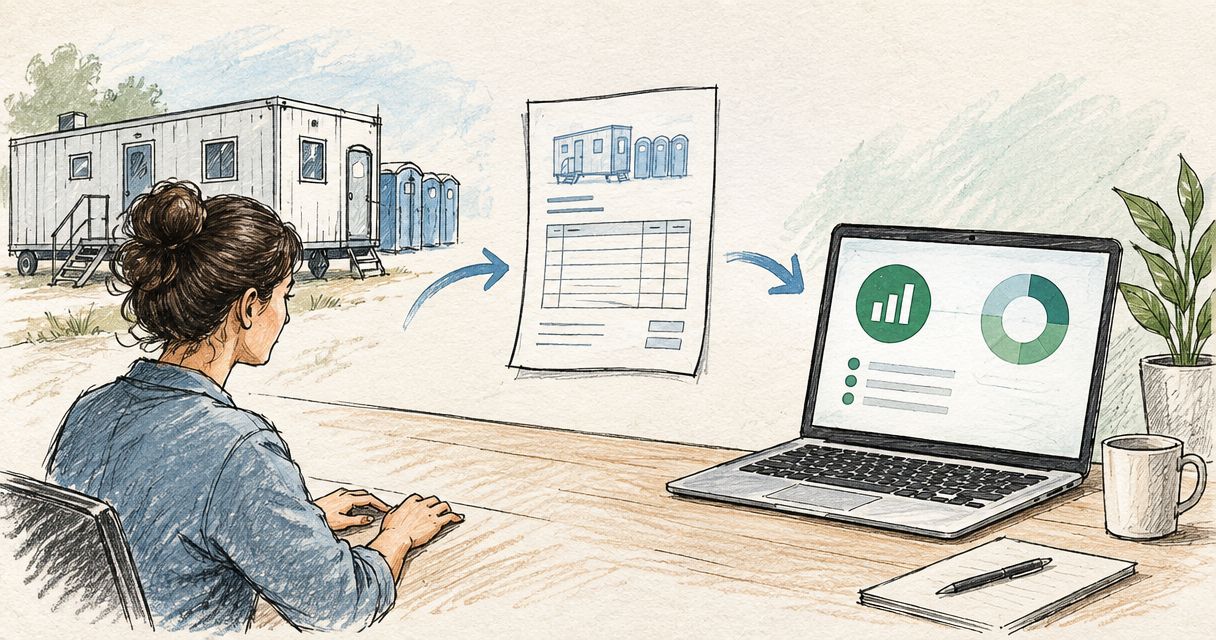
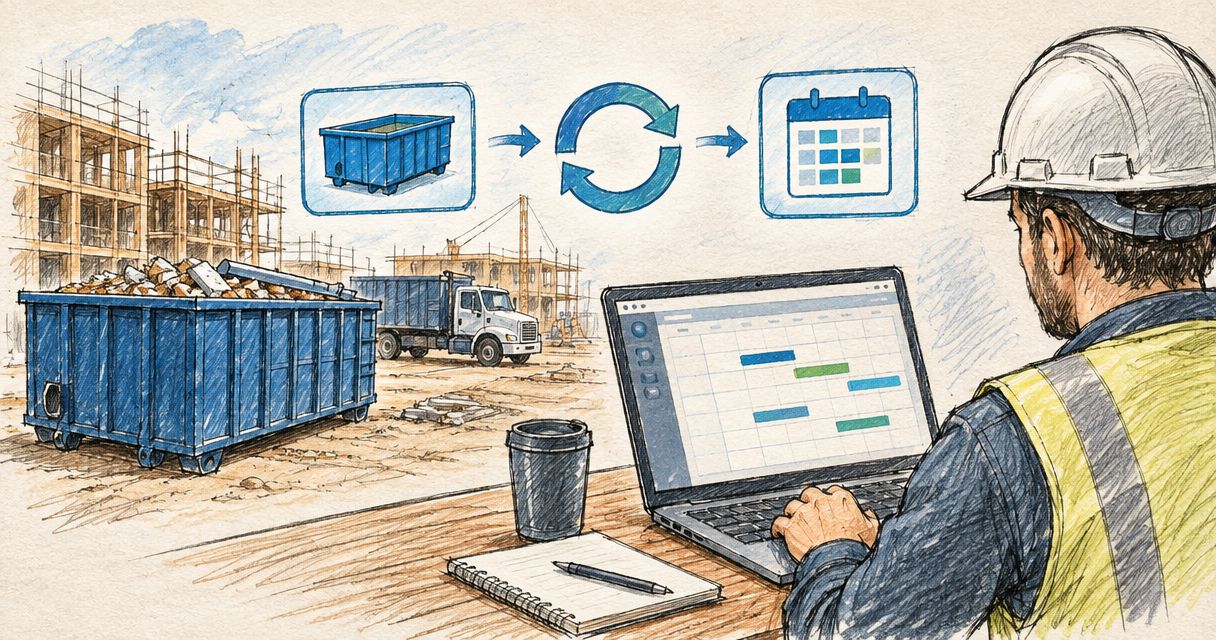
Contractors running Buildertrend lose the thread the same way every time: a roll-off container gets ordered by a phone call, the delivery date lives in someone's email, and by the time the crew shows up on-site the truck already dropped the container in the wrong spot or hasn't come at all. Instead of chasing that date through email threads, put the confirmed delivery and pickup window directly on the Buildertrend Schedule as its own line item, tied to a named person, so the whole crew sees it the same place they see framing and concrete.
- Buildertrend has no native vendor feed for rental orders in 2026, so every delivery and pickup date has to be typed into the Schedule by hand.
- Valley Services confirms container, restroom, and fencing dates by phone; the fix for missed dates is a Schedule item plus a To-Do, not a new app.
- Assign the confirm-call To-Do to one named person, never a role, or the date slips through the gap between two people who each assume the other made the call.
- Log the actual swap in Daily Logs the same day, since that record is what backs up a driveway or gate change order later.
Why this matters
Buildertrend does not talk to Valley Services' dispatch system, and it does not talk to any rental company's system, because that connection doesn't exist as a live feed in 2026. What you can build is a manual workflow inside Buildertrend that treats every roll-off container, restroom, or fencing order as a scheduled event with an owner and a confirmed date.
Miss that step and the order lives in a text message or an email that only one person on the job ever saw. On a multi-phase job that's how a container sits full for three extra days blocking access, or a restroom count falls short of what a crew of 20 actually needs.
Valley Services confirms delivery and pickup dates by phone at (408) 297-5404; the way to make that date visible to your whole crew is to put it on the Schedule, not in a note field nobody opens. That's the entire workflow. It takes fifteen minutes to set up per job and it holds for the life of the project.
Before you start
- Scheduler-level access in Buildertrend to add Schedule items and To-Do's on the job you're setting up. Field crew logins usually can't create new items.
- The confirmed delivery and pickup window for each order, since a guessed date on the Schedule is worse than no date at all.
- The gotcha: Buildertrend has no field that pulls in a vendor's dispatch calendar automatically. Every date update after a phone call is a manual edit. If nobody owns that edit, the Schedule item goes stale the first time a date moves.
Set up your rental milestones on the Schedule
- Open the job in Buildertrend and go to the Schedule tab.
- Click Add Schedule Item and title it by what it actually is: "Roll-off container delivery, 20-yard" or "Restroom placement, weekend event," not "vendor drop."
- Set the Start Date to the confirmed delivery date and the End Date to the confirmed pickup date. Two separate dates, not one placeholder.
- Set Assigned To as the superintendent or foreman who will be on-site for load-in, not the office scheduler who booked the order.
- Use the Notes field to record the container size, restroom count, or fencing footage, so the crew on-site doesn't have to call the office to check.
Expected result: the delivery and pickup windows show up on the Schedule's Gantt view and the daily crew view, right alongside framing, demo, and concrete phases.
Confirm dates with a To-Do before they hit the Schedule
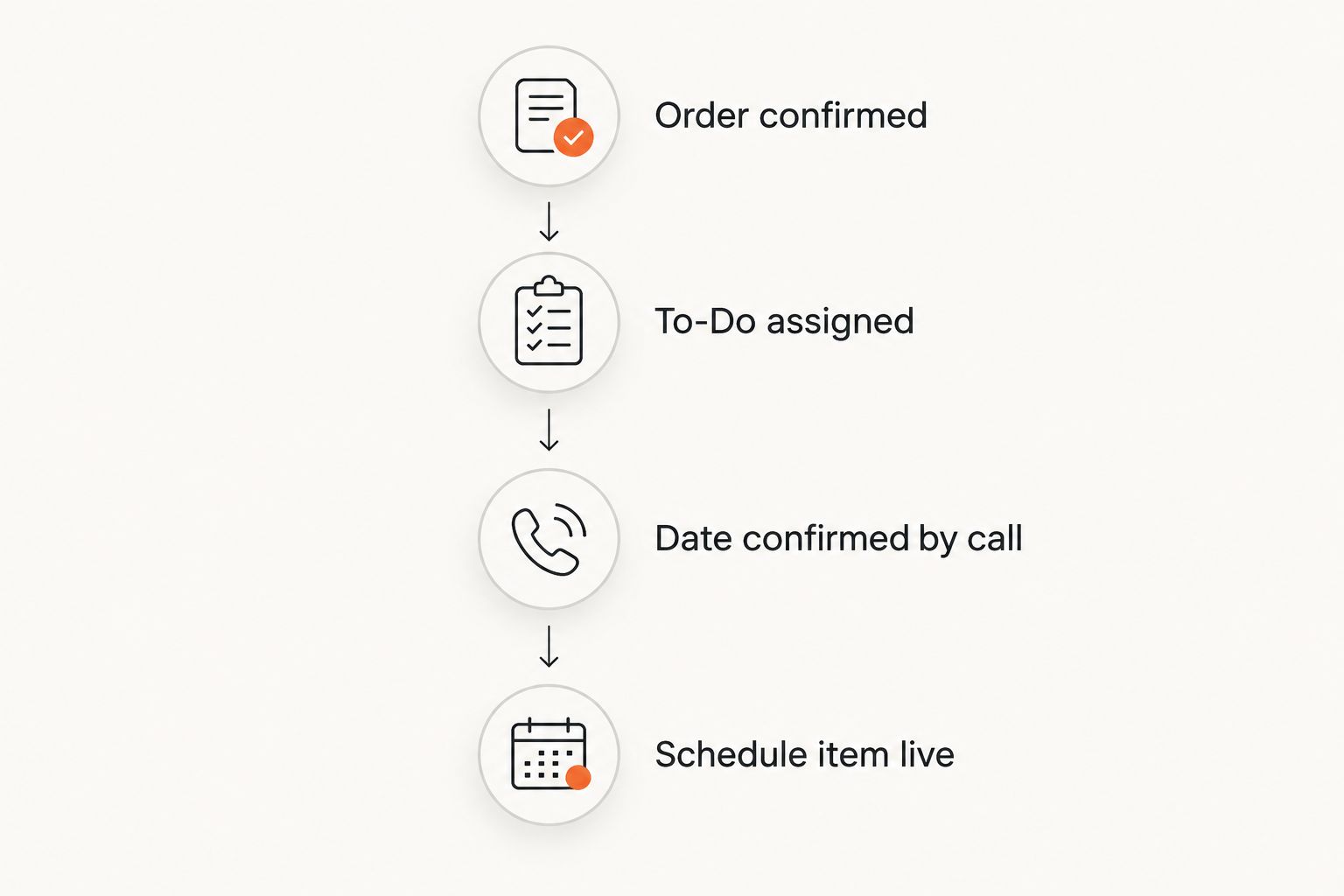
- Before locking a date on the Schedule, create a To-Do assigned to whoever owns vendor calls on that job.
- Title it "Confirm container swap" or "Confirm restroom pickup," with a due date two business days ahead of the Schedule item's start.
- Call Valley Services at (408) 297-5404 to confirm the date still holds. Site access, permits, and weather move dates more often than crews expect.
- Close the To-Do only after the date is confirmed, then update the Schedule item if anything shifted.
Expected result: no Schedule item goes live off a guess, and nobody shows up to load a container that hasn't arrived.
Log the swap in Daily Logs
- On delivery or pickup day, open Daily Logs for that date.
- Record the actual arrival time, the container size or restroom count delivered, and the site location if the job has more than one drop point, like a west lot and an east lot.
- Flag any placement issue: a driveway that needed protection boards, a gate that was locked, or a partial fill call.
Expected result: a dated record of every rental swap sits in the same log as labor and material entries, which is exactly what backs up a change order tied to a delayed load-in.
Second variant: syncing swaps on a long-running C&D job
A multi-month demolition or teardown doesn't run on single delivery dates, it runs on a swap cycle. Instead of one Schedule item, set up a recurring Schedule item for container swaps based on your fill rate, then run the confirm-call To-Do against each individual swap. Treat the repeating calendar entry as a placeholder and the To-Do as the real confirmation, because a recurring date on a schedule is never the same as a confirmed pickup truck.
Troubleshooting
- Schedule item shows the wrong container size or count. Edit the title directly. Crews scan titles first and skip the Notes field.
- Pickup date passed and the container is still on-site. Check whether the confirm-call To-Do was ever closed. That gap is almost always the miss, not a dispatch problem.
- Two subs both think they own the confirm call. Assign the To-Do to one named person, never a role or a department.
- Restroom count doesn't match crew size on the Daily Log. Recheck against Cal/OSHA sanitation requirements before assuming the order was wrong.
- Rental milestone missing from the client-facing Schedule view. Check the internal-versus-client visibility toggle on that item before assuming the vendor dropped the date.
Lock down your next delivery date
Confirm a roll-off, restroom, or fencing order before it hits your Schedule.
Customize your workflow
Once the confirm-call and Schedule pattern is running on one job, apply it across a whole pipeline. If a job runs on a fixed monthly rental term instead of one-off orders, the same To-Do pattern applies to renewal dates, and it's worth reading through negotiating a long-term site service rental contract before that renewal date is set. If your office reconciles container weight against invoices at month-end, the weight tickets to billing workflow plugs into the same Daily Log entries you're already creating. And if part of your pipeline runs on Procore instead of Buildertrend, the Procore scheduling workflow follows the identical logic: Schedule item, confirm-call To-Do, Daily Log entry.
FAQ
Does Buildertrend integrate directly with rental companies in 2026?
No live vendor feed connects Buildertrend to a rental company's dispatch system in 2026. Every delivery and pickup date has to be entered into the Schedule manually after a confirmation call.
What's the best way to track a roll-off container delivery in Buildertrend?
Add it as its own Schedule item with a Start and End date matching the confirmed delivery and pickup window, assigned to the superintendent on-site, not the office scheduler.
Why did my container pickup date slip after I put it on the Schedule?
A Schedule item only reflects the date typed in. If the date wasn't reconfirmed by phone close to the pickup day, site access or a full container can push it, and the Schedule won't update on its own.
Should container orders go in Buildertrend's Job Cost tab instead of Schedule?
Job Cost and Selections don't show up on the crew's daily calendar view. A rental order needs to live on the Schedule tab if the field crew is expected to see the date.
How do I confirm a delivery date with Valley Services?
Call (408) 297-5404 to confirm the date before it's locked into the Schedule. Building a To-Do with a two-day lead time keeps that call from getting skipped.
Can I set up recurring container swaps for a long demolition job?
Yes. A recurring Schedule item works as a placeholder for the swap cycle, but each individual swap still needs its own confirm-call To-Do before the truck is expected on-site.
What should the Daily Log capture for a rental swap?
Actual arrival time, container size or restroom count delivered, site location if there's more than one drop point, and any placement issue like a driveway needing protection boards.
One last thing
The number one reason a confirmed delivery date slips isn't the truck, it's a driveway that isn't cleared or a gate that's still locked when the driver shows up. A Schedule item fixes visibility, not access. Check the driveway prep guide 48 hours before any load-in, especially on a site with limited turning radius, and that call to (408) 297-5404 to reconfirm becomes a formality instead of a scramble.
Valley Services has run the same yard in San Jose since 1986, closing in on 40 years in the Bay Area by 2026, and every roll-off container, restroom, and fencing order still gets confirmed by a phone call before a truck rolls. Build that call into your Buildertrend Schedule as a step, not an afterthought, and the rest of the workflow holds itself together.
Reach out to valleyservices.biz or call (408) 297-5404 to talk through how your next job's rental schedule should be set up.