CoConstruct has no native connector for dumpster rental orders CoConstruct integration, and no update is coming that changes that. Instead of eyeballing your project schedule against a stack of delivery confirmations every Monday, build the rental windows straight into CoConstruct's own Schedule and To-Do tools so the whole crew sees delivery, swap, and pickup dates without a separate phone call to the office.
- No native dumpster rental orders CoConstruct integration exists; the fix is manual milestones tied to confirmed delivery windows.
- Valley Services runs its own San Jose transfer station, so pickup dates it confirms by phone are firm, not estimates.
- Add a To-Do item for every container swap, restroom service day, and fence takedown, not only the first delivery.
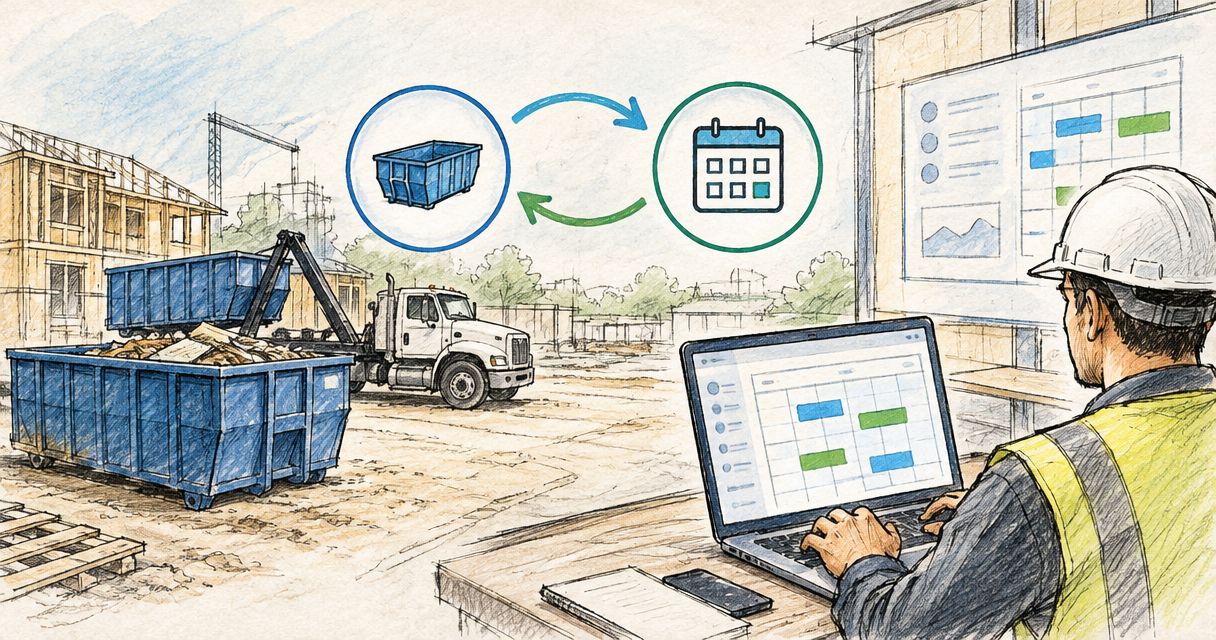
- Roll-off containers run 8 to 40 yard blue steel; the size picked determines how many swap milestones the schedule needs.
- Moving a CoConstruct milestone does not move your rental order. Call (408) 297-5404 to confirm before the schedule changes.
Why This Matters
A CoConstruct schedule that shows demo wrapping Friday means nothing to a 20-yard roll-off container sitting half full on the street with the framing crew due Monday. The software tracks your phases. It has no idea what's parked in your driveway or when the restroom trailer needs to be pumped before the concrete pour crew shows up.
Most job site delays tied to rentals aren't about the vendor missing a date. They're about the schedule in CoConstruct moving and nobody telling the rental company. In 2026, with labor and material lead times already tight on Bay Area projects, a container that sits three extra days because a milestone shifted costs you either overage exposure or a second trip charge, neither of which the schedule software will warn you about.
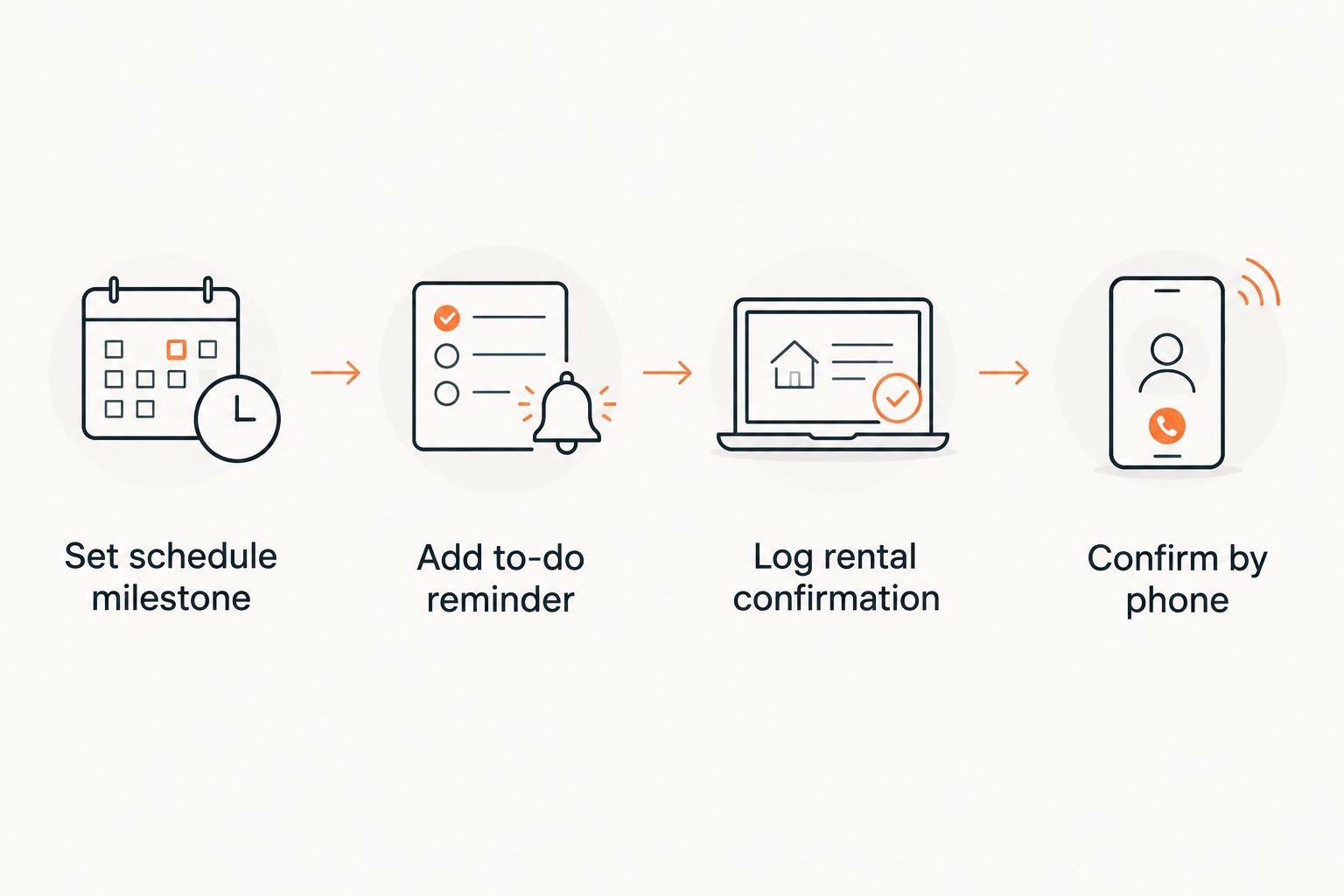
The workaround isn't a plugin. It's discipline: treat every rental order as its own line item inside the schedule you already run, and back it with one phone call whenever a phase moves.
Before You Start
- CoConstruct admin or project manager access to add and edit Schedule items and To-Do lists on the project in question.
- A confirmed order with Valley Services covering roll-off container, restroom, or fencing dates, since you can't schedule around a date that hasn't been booked.
- The gotcha: moving a milestone in CoConstruct does nothing to the actual rental order. The schedule is a planning tool, not a dispatch system. If demo slides two weeks, the container pickup Valley Services has on file does not slide with it until someone calls (408) 297-5404 and says so.
Set Up Delivery and Pickup Milestones in the Schedule Tool
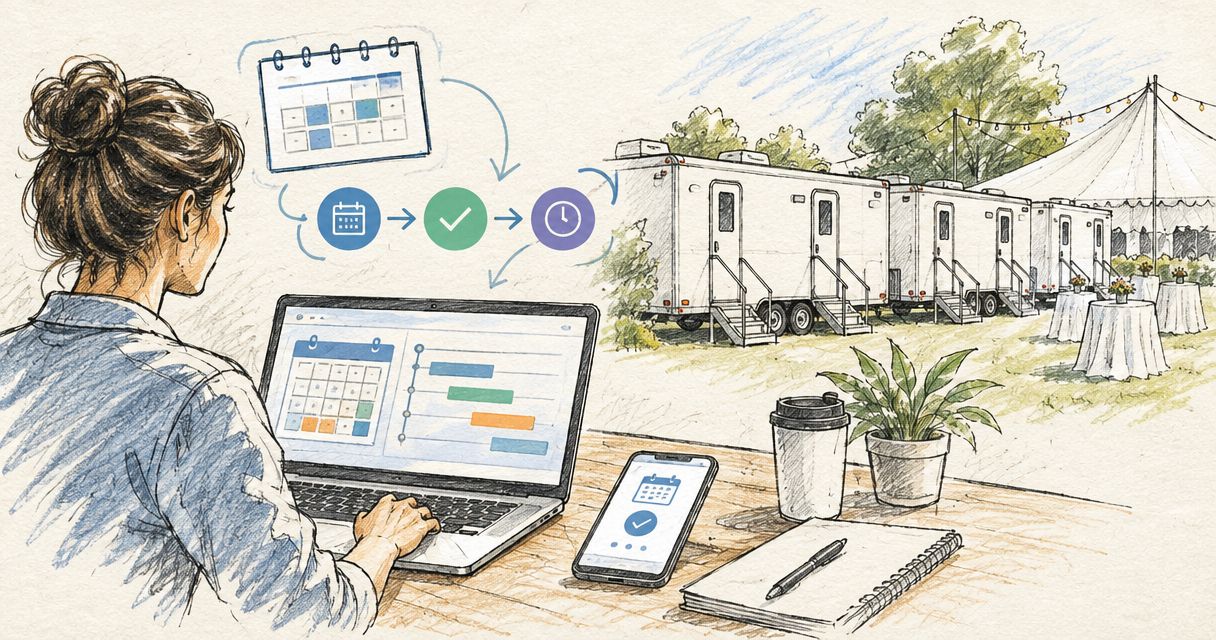
- Open the project's Schedule tab in CoConstruct.
- Create a new Milestone for each rental event: container delivery, each swap if the job runs multiple loads, and final pickup. Name it plainly: "Roll-off delivery, 20-yard" beats "Dumpster stuff."
- Set the milestone date to match the confirmed date on your rental order, not the date you hope demo finishes.
- Link the milestone to the phase it depends on (demo, framing, close-in) using CoConstruct's dependency setting so a phase slip flags the rental date automatically.
- Repeat for restroom service days and fence install or takedown dates if the job carries those rentals.
Expected result: the Schedule view now shows every rental touchpoint as its own bar, colored the same as your other milestones, and any dependency you set will highlight in red if a linked phase moves past it.
Configure a To-Do Item for Each Rental Order
- In the To-Do list for the project, add one item per rental event: "Confirm container swap date with Valley Services," "Confirm restroom pump-out before pour," and so on.
- Set the due date three business days ahead of the actual rental date. That buffer is what gives you room to call and adjust before the truck is already en route.
- Assign the To-Do to whoever owns site logistics, not the project owner or the office admin who isn't on site.
- Add a note field with the rental order specifics: container size, restroom unit count, or linear footage of fencing, so the assignee isn't hunting for a confirmation email.
Expected result: three days before every rental milestone, the assigned team member gets a CoConstruct reminder with the exact order details attached, not a vague "stuff happens this week" flag.
Log Rental Windows in Files So the Crew Sees Them
- Upload the rental confirmation (PDF or screenshot of the order) to the project's Files section.
- Tag it with the phase it applies to, so anyone scanning the file list during a walkthrough finds it without searching by date.
- If the job carries a shared crew calendar outside CoConstruct, cross-reference the same date so the subs on site aren't relying on the PM checking the software.
Expected result: a superintendent who opens Files during a Friday walkthrough sees the exact swap date without texting the office.
Syncing Restroom and Fencing Rentals to Phase Changes, Not Just Dumpster Swaps
Container scheduling gets most of the attention because overage fees make the mistake visible. Restroom and fencing rentals fail quietly instead, usually as a compliance problem rather than a cost problem.
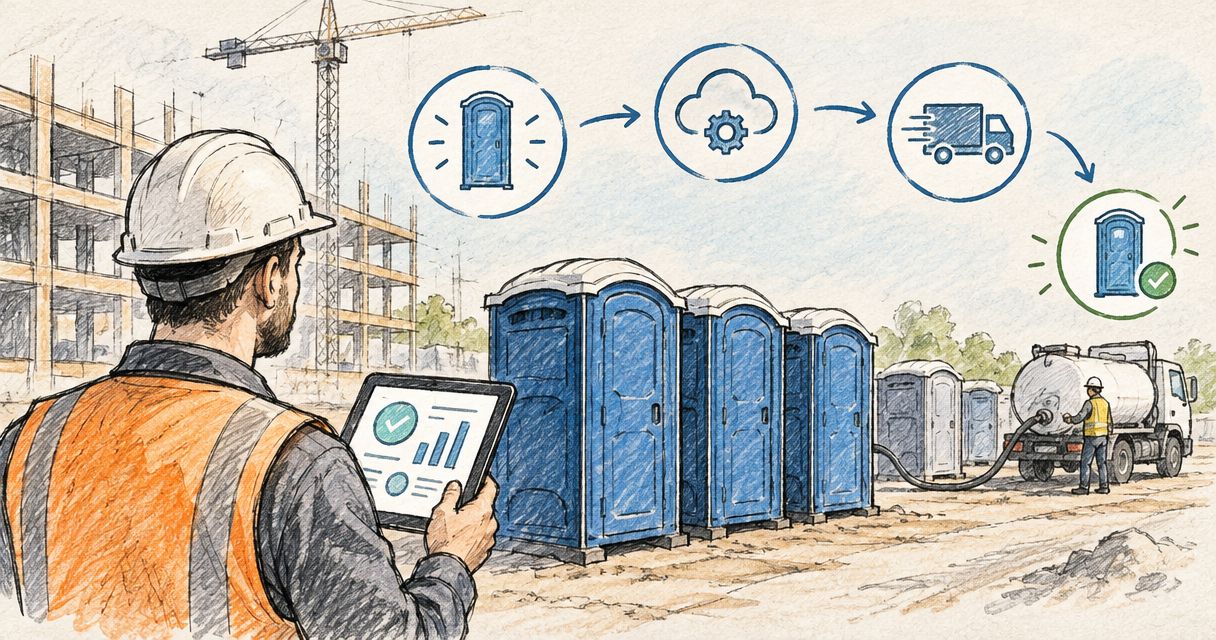
A jobsite restroom needs to stay in place and serviced for the full duration Cal/OSHA sanitation rules require, not just until the framing crew clears out. If your CoConstruct schedule shows framing ending on a Tuesday but electrical and plumbing subs are still on site through Thursday, the restroom milestone needs to track the last trade on site, not the first phase to wrap.
Temporary fencing works the same way in reverse: it needs to go up before demo starts, not after the crew shows up to find an open lot. Set that milestone against the earliest phase that requires site control, then set the takedown milestone against the last inspection, since a punch list walkthrough with an open perimeter is its own liability.
Same workflow, different trigger: instead of tying the milestone to a single trade finishing, tie it to whichever trade is actually last on site.
Troubleshooting
The schedule shows a phase moved but the rental order didn't get updated. This is expected behavior, not a bug. CoConstruct doesn't push anything to Valley Services. Whoever owns the To-Do item needs to make the call.
Multiple containers on one job and the milestones are getting confused. Name each milestone with the container size and swap number: "Roll-off #2 of 3, 30-yard." Generic labels are the most common cause of a missed swap on multi-phase jobs.
Restroom service day keeps landing on a day with no crew on site. Check the service frequency against your actual crew schedule, not the phase end date. A restroom serviced on a day nobody's there wastes the trip.
Fencing takedown milestone conflicts with a final inspection date. Push the takedown milestone at least one day past the inspection. Inspectors have shown up to an open lot before, and it delays sign-off.
To-Do reminders are getting ignored. A three-day lead time only works if it's assigned to someone with site visibility, not the office. Reassign it to whoever walks the site daily.
Customize Your Workflow
This same milestone-and-To-Do structure works whether the project management platform is CoConstruct or something else. The logic doesn't change: schedule the rental event, set a reminder ahead of it, and confirm by phone before anything moves. If the job also runs through Procore, the same three-step structure applies there with different field names.
For jobs using Buildertrend instead of CoConstruct, the milestone and to-do fields sit in slightly different menus but track the same logic. On multi-phase builds where container, restroom, and fencing orders overlap across several months, the planning gets more involved. See how to plan site services for a multi-phase construction project for how to sequence that without losing track of which order applies to which phase.
If the schedule keeps changing on you and confirming every milestone by phone is eating time, ask about a standing delivery and pickup cadence when you set up the order in the first place. Valley Services can lock recurring swap dates against a known project timeline rather than confirming each one separately, which cuts down on the number of calls this whole workflow requires.
Line up your rental schedule now
Talk through delivery, swap, and pickup dates before you lock the CoConstruct milestones.
FAQ
Is there a direct dumpster rental orders CoConstruct integration?
No software connector links CoConstruct to a rental company's dispatch system as of 2026. The workaround is manual milestones and To-Do reminders inside CoConstruct's Schedule tool, backed by a phone confirmation whenever the project timeline changes.
Does moving a CoConstruct milestone change my container delivery date?
No. CoConstruct only tracks your internal schedule. Your rental order stays on whatever date was confirmed with the vendor until someone calls to change it.
How far ahead should I set the To-Do reminder for a rental swap?
Three business days ahead of the confirmed rental date gives enough room to call and adjust if the site schedule shifted, without the reminder arriving so early it gets ignored.
What size roll-off container should I schedule for a multi-phase job?
Valley Services runs 8 to 40 yard blue steel containers. Larger demo phases typically need multiple swaps of a mid-size container rather than one oversized unit sitting half-empty for weeks.
Why does the restroom rental need its own milestone separate from the framing phase?
Cal/OSHA sanitation requirements apply as long as any crew is on site, not just the crew tied to one phase. Tracking the restroom milestone against the last trade on site, rather than the first phase to finish, avoids a compliance gap.
Can I track fencing takedown against my final inspection date?
Set the fencing takedown milestone at least one day after the final inspection, not on the same day. Inspectors need site control in place during the walkthrough, and rescheduling a fence pickup on short notice adds a delay you don't need.
Does this workflow work with Buildertrend or Procore instead of CoConstruct?
Yes. The same milestone, To-Do reminder, and phone confirmation structure applies in any project management platform. Field names differ; the underlying logic of scheduling the rental event and confirming it separately does not.
One Last Thing
The part of this workflow crews skip most often isn't the milestone, it's the phone call. CoConstruct will happily show a container pickup milestone sitting two weeks in the past if nobody confirmed the actual swap, and a schedule that looks current isn't the same as a rental order that's actually on track. Since Valley Services controls its own transfer station in San Jose rather than routing disposal through a third-party site, a rescheduled pickup or swap is a single call to (408) 297-5404, not a multi-party coordination problem.